

Follow these simple steps to get up and running with the BLACKBOX AI Desktop App.Documentation Index
Fetch the complete documentation index at: https://docs.blackbox.ai/llms.txt
Use this file to discover all available pages before exploring further.
1. Download
Visit the official website blackbox.ai and get the installer for your operating system or use the direct download links below based on your platform..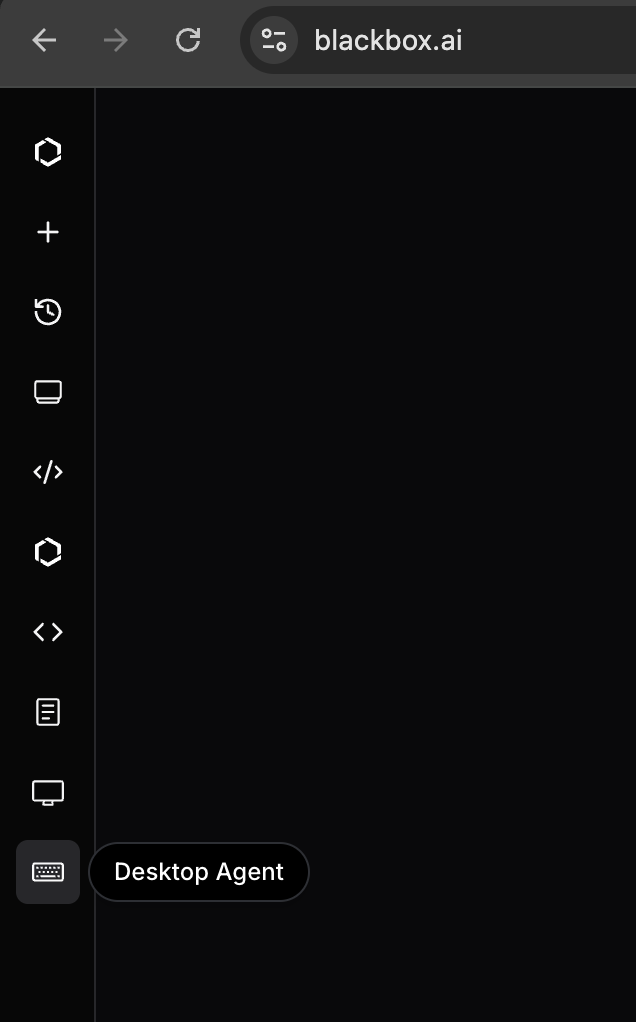
- Windows 10/11 (64-bit)
- macOS 10.15+ (Intel and Apple Silicon)
- Linux distributions (Ubuntu, Fedora, Debian, etc.)
2. Install
Run the installer and follow the on-screen instructions: Windows:- Double-click the
.exeinstaller - Follow the installation wizard
- Choose installation directory (optional)
- Complete the installation
- Open the
.dmgfile - Drag BLACKBOX AI to the Applications folder
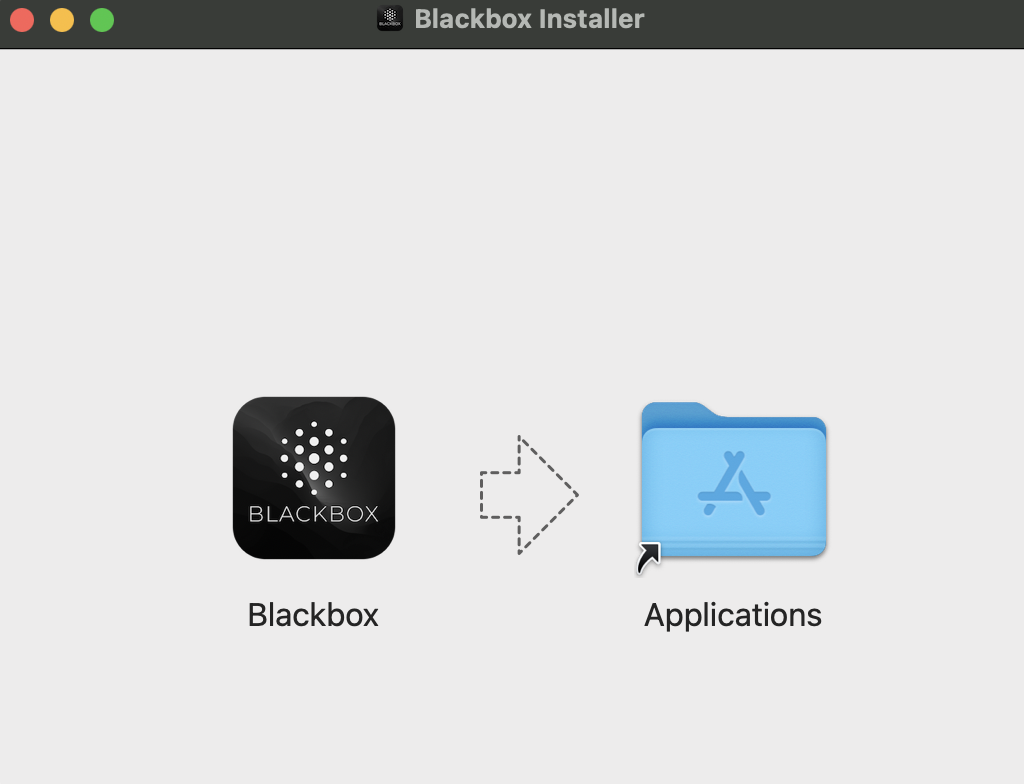
- Launch from Applications
- Install using your package manager
- Or run the AppImage directly
- Or use the provided
.deb/.rpmpackages
3. Launch & Sign In
- Open the BLACKBOX AI app from your applications folder
- Log in with your existing BLACKBOX AI account
- If you don’t have an account, create one for free
4. Start Working
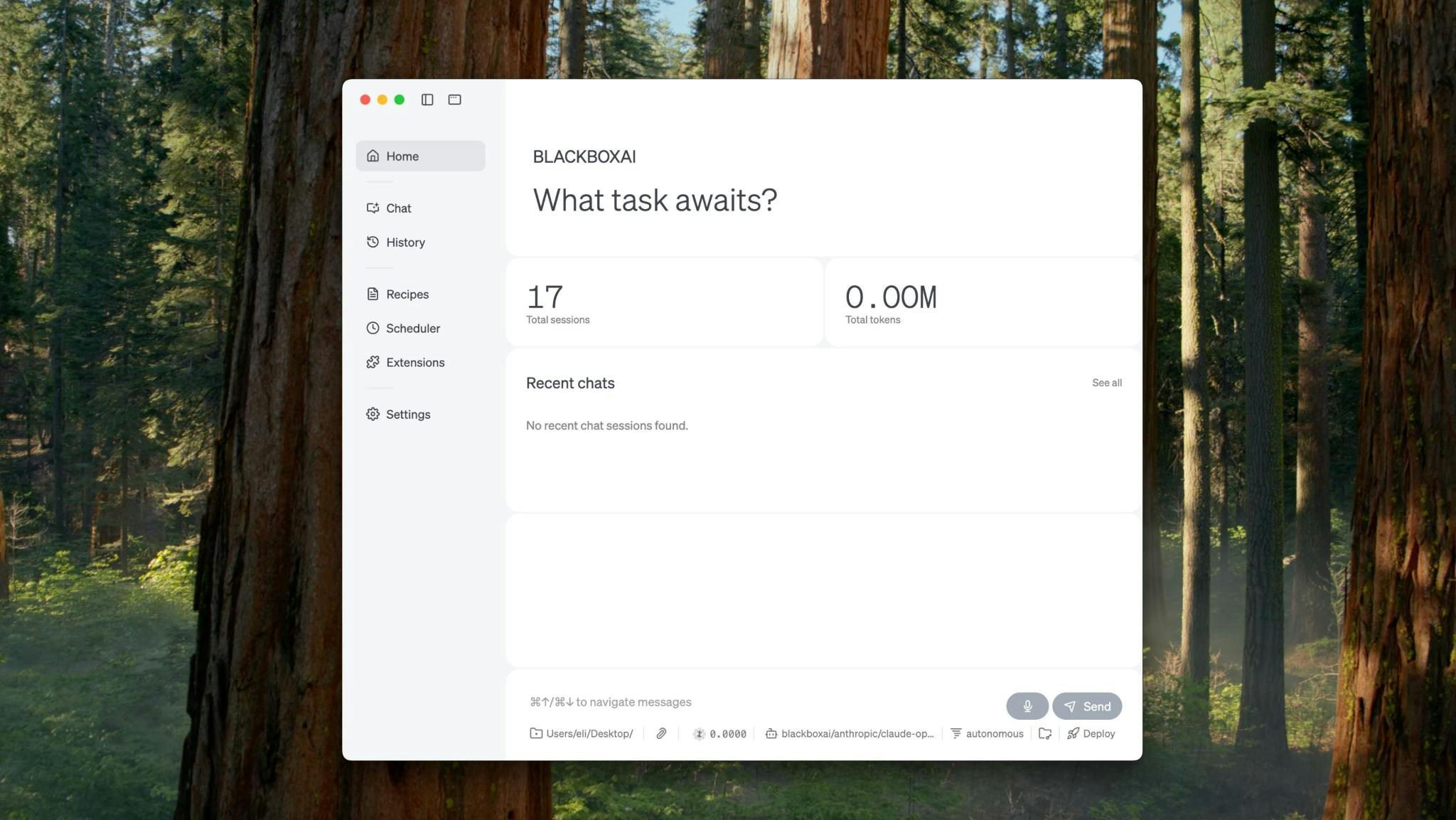
Automate your daily tasks and workflows with the full power of BLACKBOX AI. Whether you’re managing files, organizing documents, or working on projects, BlackBox is ready to help. Ways to start:- Open Folder: Connect to any folder to manage files and documents
- New Project: Create fresh projects for any type of work
- Add Extensions: Enhance capabilities with additional tools and integrations
- Start Chatting: Simply describe what you want to accomplish in plain language.
Chat and Code Assistance
